On-site on-call shifts that switch automatically
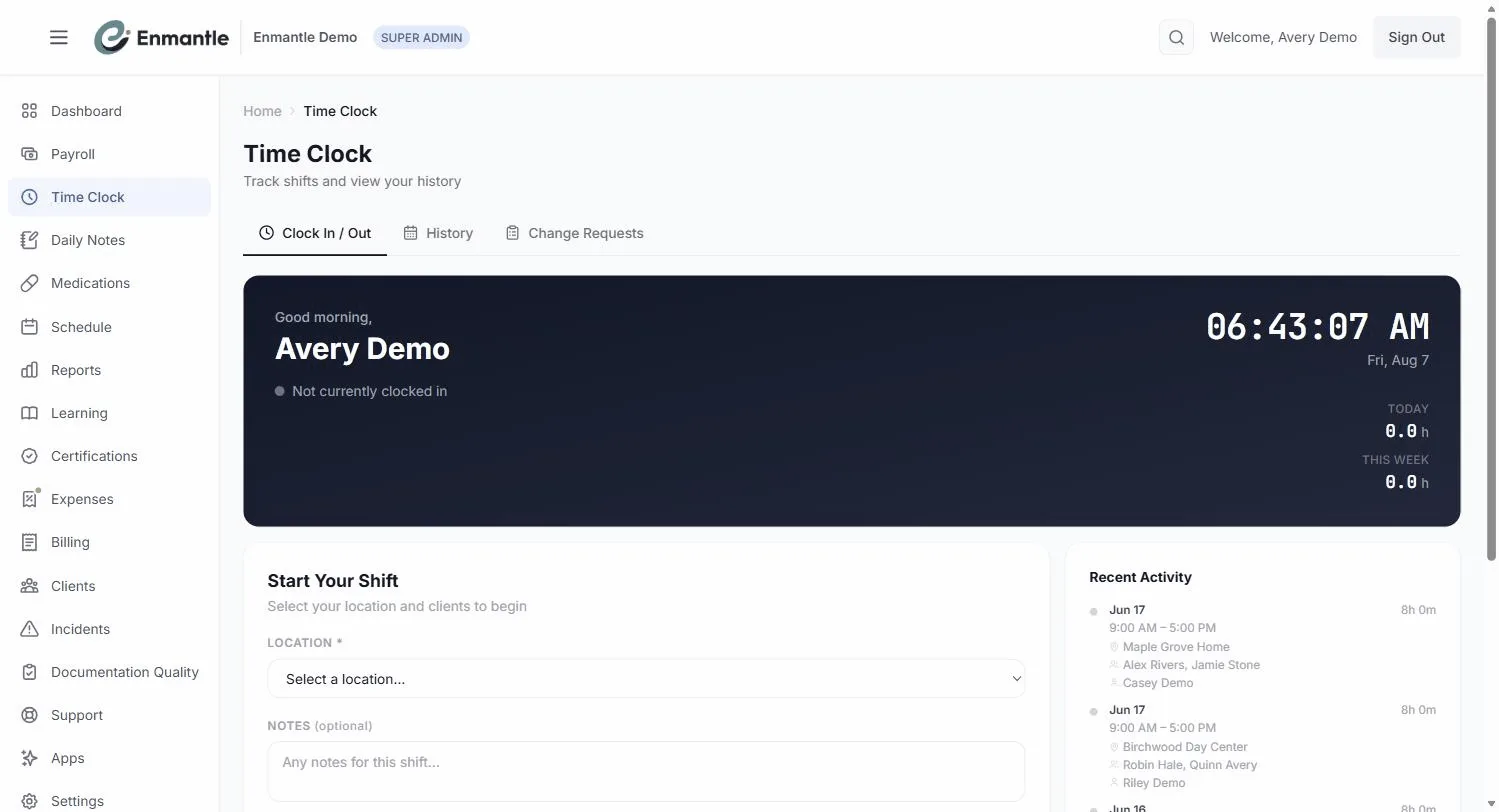
On-call windows are set per location, and Enmantle splits the shift at the boundary — so you clock in once and let the schedule do the rest.
On-call windows (default 22:00 to 06:00) are configured per location, not per shift. A DSP clocks in once; Enmantle auto-splits the shift into Regular and 🌙 On-Call segments at the window's boundary, and splits it again if a client is added or removed mid-shift. You still clock in and out only once per shift.
Some shifts include an on-call window — hours where you're present and available, but not in active support. On other platforms that means clocking in and out over and over to mark the switch. Enmantle handles it for you. You clock in once, and the shift type changes automatically when the on-call window begins or ends.
On-call windows are set per location
An on-call window belongs to a location, not to a client and not to you. This is called On-Site On-Call (OSOC), and it's configured on the Location with an On-Call Start Time and On-Call End Time (the default window is 22:00 to 06:00).
Because the window lives on the location, you don't have to remember when it starts or stops. Enmantle already knows. When you clock in at a location with on-call hours, it auto-detects them and marks the shift 🌙 On-Call, and you'll see the hint: "This location has On-Call hours configured. Shifts will automatically split at the on-call boundary."
The clock switches shift types at the boundary
Here's the part that saves you the most hassle: you do not clock in and out repeatedly to move between active and on-call time.
- Clock in once when your shift begins, the way you always do.
- Work your active (Regular) hours normally.
- When the on-call window starts, Enmantle auto-splits the shift at that boundary — closing the Regular segment and opening an On-Call segment.
- When the window ends, it splits back to Regular — again, on its own.
You stay clocked in the whole time. The split happens in the background, and your time is recorded correctly on each side of the boundary. No extra taps, no watching the clock.
You only clock in once and clock out once. Everything between those two events — including any on-call switch — is handled for you. See Clocking in and out with GPS for what happens at each of those two events.
Adding or removing a client mid-shift also splits it
Separately from the on-call boundary, changing who you're supporting during a shift also creates a clean split. When you add or remove a client mid-shift, Enmantle closes the current segment and starts a new one. You'll see the note: "Adding or removing a client closes this segment and starts a new one — your shift continues uninterrupted."
You don't stop and restart anything. You keep working, and the split is recorded for you so each stretch of time is attributed accurately.
What you actually have to do
For a DSP, the whole thing comes down to two actions:
- Clock in when your shift starts.
- Clock out when it ends.
That's it. On-call switches and multi-client splits happen on their own between those two events. If you ever notice your times look wrong afterward, you don't fix them by guessing — submit a change request and a manager reviews it. See Fixing a time entry.
Next steps: On-Call Shifts That Auto-Switch
- New to the clock? Start with your first shift, start to finish.
- When someone calls off and you're picking up coverage, see convert a shift to open and find coverage.
Still stuck?
Email support@enmantle.com — a real person replies.