EVV app with GPS for Ohio DODD, native to the platform.
Every clock-in and clock-out captures a single GPS point — nothing in between — and that same event is the record Ohio's EVV program checks. Enmantle is a DODD-approved alternate EVV vendor and submits directly to Sandata, so the visit a direct support professional (DSP) verifies in the field becomes the line billing closes on, with no second system to log into.
Last reviewed · Enmantle team
What does Enmantle's EVV app do?
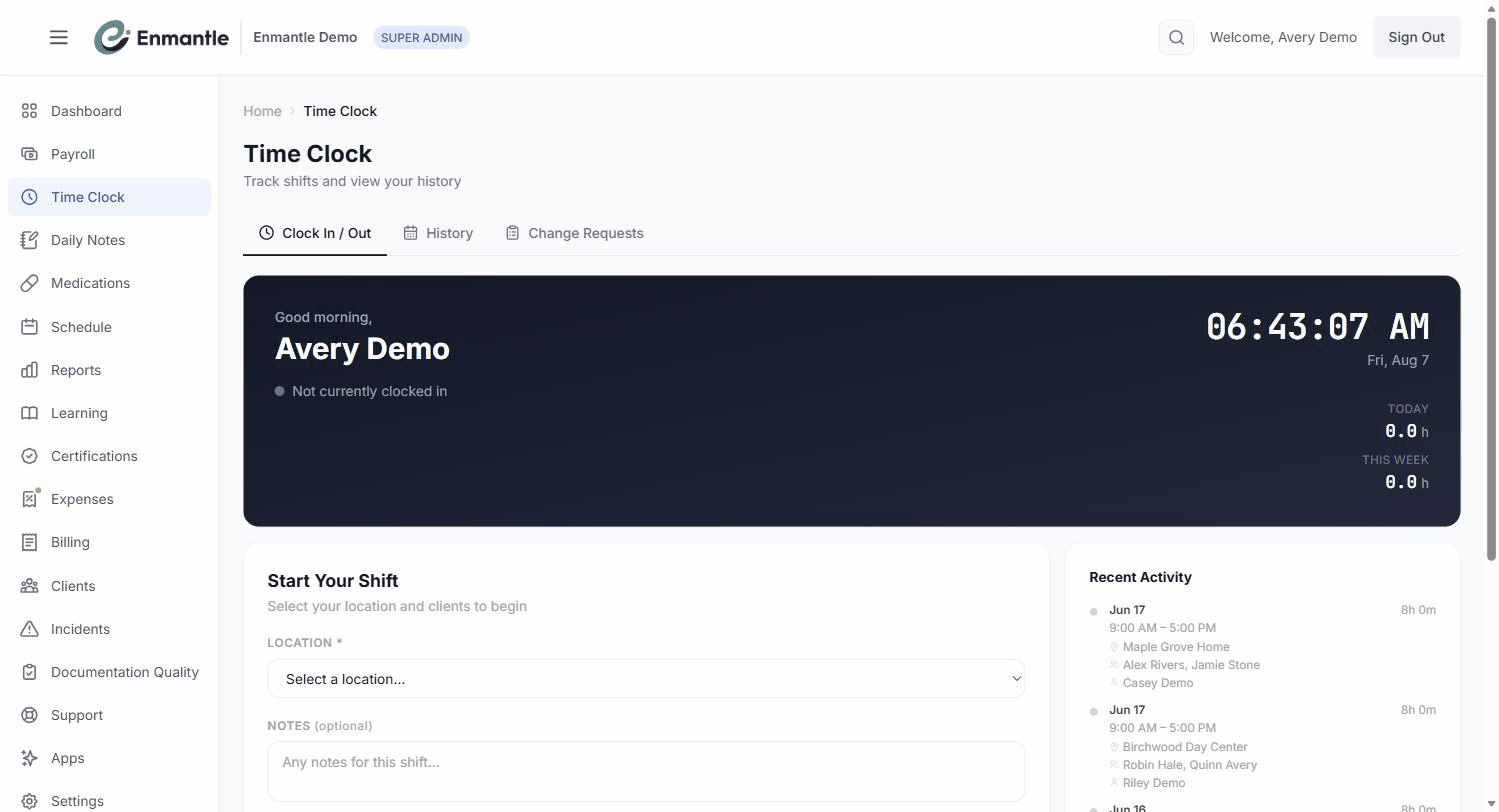
Enmantle captures the electronic visit verification (EVV) record from the same clock a direct support professional (DSP) already uses. Clocking in and out from the Clock In / Out tab captures one GPS point on each submit, and because Enmantle is a DODD-approved alternate EVV vendor and submits directly to Sandata, that clock data is the EVV record — nobody logs the visit twice.
To clock in, a DSP opens the Time Clock, chooses a Location and Clients, and taps Clock In; the service type resolves automatically from the client, so there's no service dropdown to search. If the location has EVV set up, an EVV location toggle records Home or Community. GPS is read at exactly two moments — clock-in and clock-out — as a single point captured on submit. Between those two events, nothing is read: Enmantle does not track location continuously and does not follow a DSP in the background. If a phone can't get a fix, the app shows GPS unavailable — continuing without location and lets the shift continue.
What if a client isn't ready for EVV yet, or a claim doesn't verify?
Enmantle rolls four checks into an EVV readiness checklist on each client's record (Client 360): a Medicaid ID on file, a primary physical address, an active individual payer row, and GPS consent (ODM-10375). Clear all four and the client is ready to bill through EVV; a red X on any one names exactly what's missing.
Beyond the client level, the EVV Status page confirms EVV is enabled for your agency and reconciles verified visits against what's been billed across four sections: a Verification summary with a Not verified but billed list, Units mismatches where billed units exceed what the verified visit supports, Post-lock de-verifications for locked rows whose visit lost verification, and EVV denials for claims that came back with an EVV-related reason code. Working these before submission is what turns a dashboard into a denial you never see.
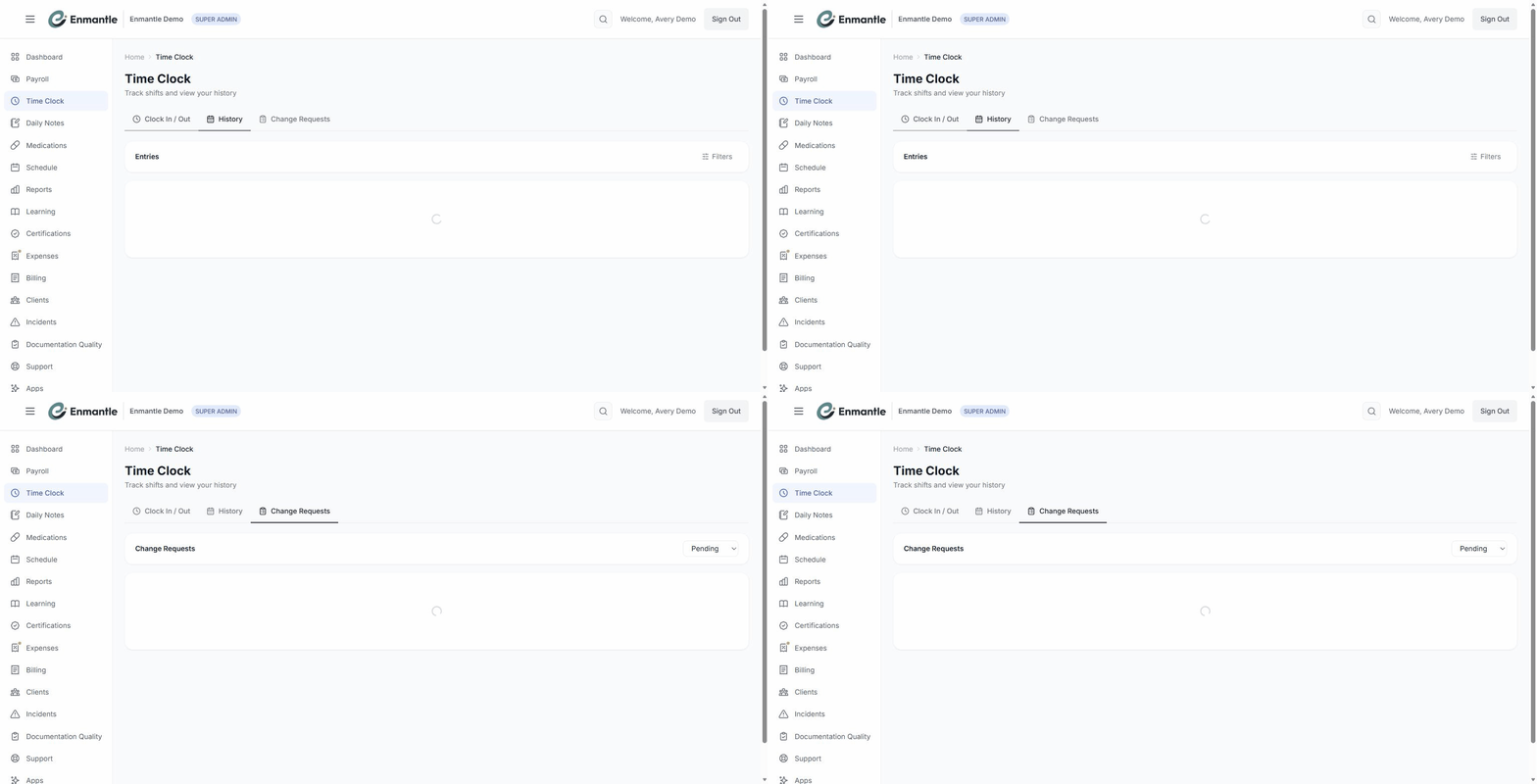
If a clock time itself is wrong — a forgotten clock-in, a late clock-out — a direct support professional (DSP) submits a change request with the correct times and a reason; a manager reviews and approves or denies it, and the original and the correction both stay in an audit trail. Approvals are blocked once the billing period is locked.
How it works in Ohio
Ohio's EVV rules require six data elements on a subject visit: the service, the individual, the date, the location, the worker, and the start and end time. GPS use needs the person's annual signed consent (ODM 10375) before location is captured this way; without it, the location element is recorded some other way, and GPS is simply omitted from the visit. Enmantle is a DODD-approved alternate EVV vendor and submits directly to Sandata, so a visit captured on the clock is the same visit Sandata verifies — not a separate submission.
A day with it
A direct support professional (DSP) arrives at a client's home, opens the app, picks the location and client, and taps Clock In. The screen reads GPS location will be captured on submit, then confirms GPS location captured — one point, logged the instant the button is tapped. The shift runs its course; nothing about location is checked again until the end.
Before clocking out, a Submit your documentation now? prompt catches a note that hasn't been written yet. The DSP finishes it, then taps Clock Out — a second GPS point, captured the same way. That evening, an administrator opens EVV Status and sees a row sitting in Not verified but billed; it turns out a GPS consent had lapsed. The consent gets renewed on the client's EVV readiness checklist, the visit re-verifies, and the row clears before it ever reaches a denial.
Screens
Frequently asked questions.
Does Enmantle track a direct support professional's location during the shift?
Is Enmantle an approved EVV vendor in Ohio?
What has to be true before a client's visits verify through EVV?
How do we catch an EVV problem before DODD denies the claim?
What if a direct support professional forgets to clock in or out?
- Clocking in and out with GPS: what's captured, and whenClock in and out from your phone. Enmantle reads GPS at those two moments only — never in between — and that clock data is what feeds DODD EVV.
- EVV readiness for a clientFour things must be true before a client's shifts can bill through EVV. The readiness checklist on Client 360 shows what's ready and what's missing.
- Reading the EVV Status & Compliance dashboardThe EVV Status page confirms EVV is live and reconciles verified visits against what you billed, so you catch denials before DODD does.
- Fixing a time entry: change requests and approvalsForgot to clock in or out late? Submit a change request with the right times and a reason, a manager approves it, and every edit is kept in an audit trail.
- For DSPs: your first shift — clock in, document, clock outThe three things every shift needs on Enmantle: clock in when you arrive, write your note, and clock out. Here's the whole loop, start to finish.
— See it on your workflow —
Watch a visit become an EVV record.
A 30-minute demo shows a GPS clock-in flow straight through to Sandata verification, mapped to your services.